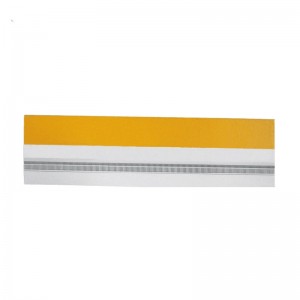
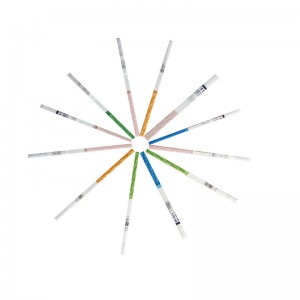
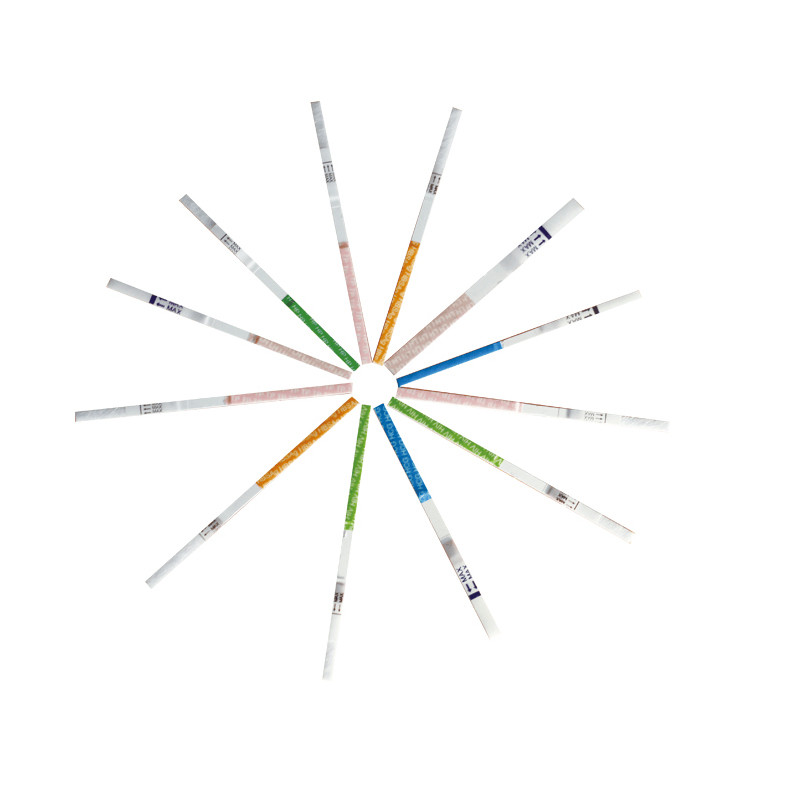
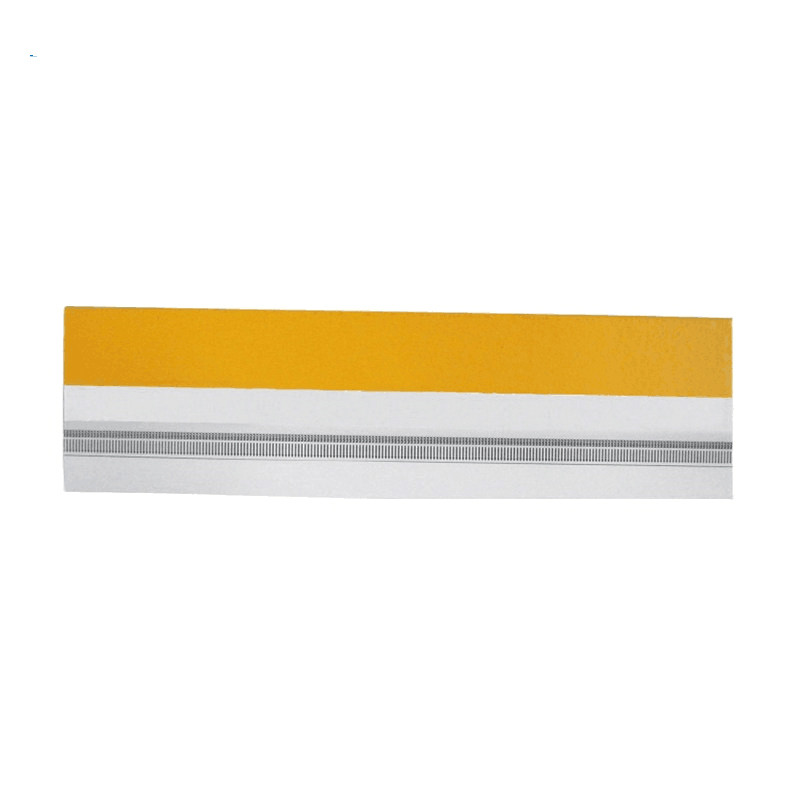
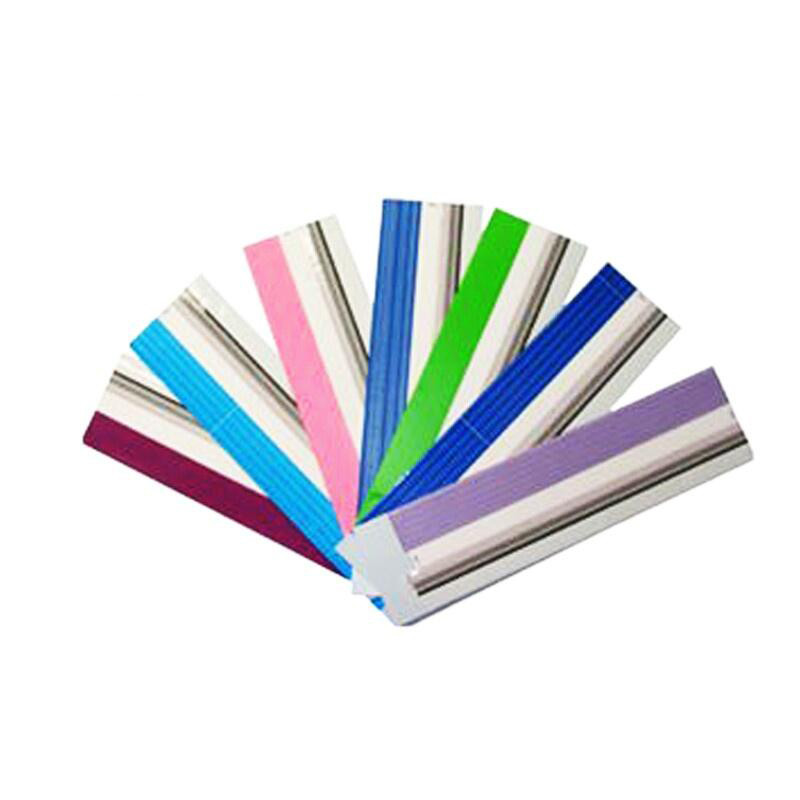
Uncut sheet for Serum Amyloid A Test
1. INTEDED USE
This kit is applicable to in vitro quantitative detection of antibody to serum amyloid A (SAA) in human serum/plasma/whole blood sample, and it’s used for auxiliary diagnosis of acute and chronic inflammation or infection. This kit only provides serum amyloid A (SAA) test results, and results obtained shall be used in combination with other clinical information for analysis. It must only be used by healthcare professionals.
2. PRODUCT SPECIFICATION
| Model No. | SAA Uncut sheet |
| Methodology | fluorescence immunochromatographic assay |
| Sample Type | Serum,Plasma,Whole blood |
| Time to Result | 15 mins |
| Storage | 2~30 ℃/36~86℉ |
| Shelf Life | 24 months |
| Certificate | ISO13485, CE Certificate, UCKA MHRA Certificate |
|
Feature • High sensitive • result reading in 5 minutes • Easy operation • High Accuracy |
PACKING * 20 bags /CTN * Aluminum foil bag labeling * shrink wrap
|
3.TEST METHOD
| 1 | Open the aluminum foil bag package of reagent and take out the test device. |
| 2 | Horizontally insert the test device into the slot of immune analyzer. |
| 3 | On home page of operation interface of immune analyzer, click “Standard” to enter test interface. |
| 4 | lick “QC Scan” to scan the QR code on inner side of the kit; input kit related parameters into instrument and select sample type. Note: Each batch number of the kit shall be scanned for one time. If the batch number has been scanned, then skip this step. |
| 5 | Check the consistency of “Product Name”, “Batch Number” etc. on test interface with information on the kitlabel. |
| 6 | Start to add sample in case of consistent information:Step 1: slowly pipette 10 µL serum/plasma/whole blood sample at once, and pay attention not to pipette bubbles; Step 2: pipette sample to sample diluent, and thoroughly mix sample with sample diluent; Step 3: pipette 80µL thoroughly mixed solution into well of test device and pay attention no to pipette bubbles during sampling. |
| 7 | After complete sample addition, click “Timing” and remaining test time will be automatically displayed on the interface. |
| 8 | Immune analyzer will automatically complete test and analysis when test time is reached. |
| 9 | Ⅰ-2: Result calculation and display After test by immune analyzer is completed, test result will be displayed on test interface or can be viewed through “History” on home page of operation interface. |
5. CERTIFICATE
* ISO System Certificate
* CE Certificate
* EU Registration
* UCKA MHRA Registration